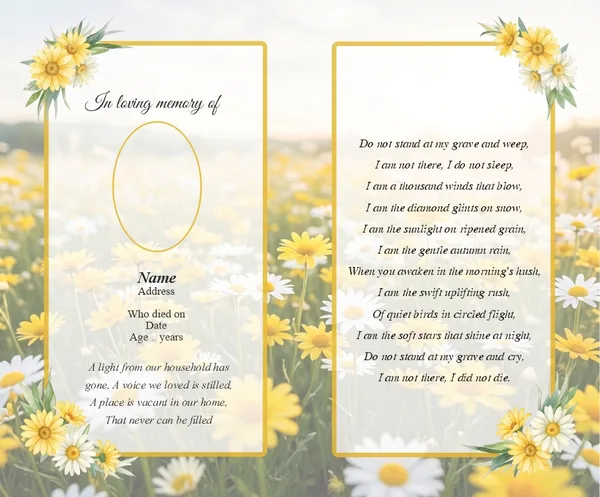
Folding Memorial Cards
From €55.00
Design & VAT included
Traditional folded memorial cards, personally designed with your photographs and chosen words.
Select optionsChoose a premade template
Photographs
Very few families have a perfect, high-resolution photograph ready to go. Here is what we can usually improve, what is harder to fix, and how to send us what you have.
Honestly explained
Light creases, faded colour, dust marks, minor tears and a soft or grainy scan can generally be cleaned up enough to print well. We can also crop in on a face from a group photo, adjust brightness and contrast, and convert a black and white photo to work cleanly alongside colour text.
A very small or heavily blurred photograph enlarged a long way can start to look soft or pixelated once printed — there is a limit to how much detail we can recover that simply is not in the original file. Severe damage, such as large missing sections of a print, may also only be partly repairable.
If a photograph is too small or damaged to print sharply, we will say so honestly before you order, and show you exactly how it looks on the proof rather than let you be surprised after printing.
A flatbed scan of a printed photograph, saved as a JPEG or PNG, generally gives the sharpest result. If a scanner is not to hand, a clear phone photograph taken straight on, in good even light, without glare from a lamp or window, usually works well enough. Email it to us or upload it when you order, and our designers will crop, straighten and clean it up as part of the design.
See more on choosing and preparing a photograph on our memorial card photography page, or go straight to our designer to upload your photo and see it on a card.
Order
From €55.00
Design & VAT included
Traditional folded memorial cards, personally designed with your photographs and chosen words.
Select optionsChoose a premade template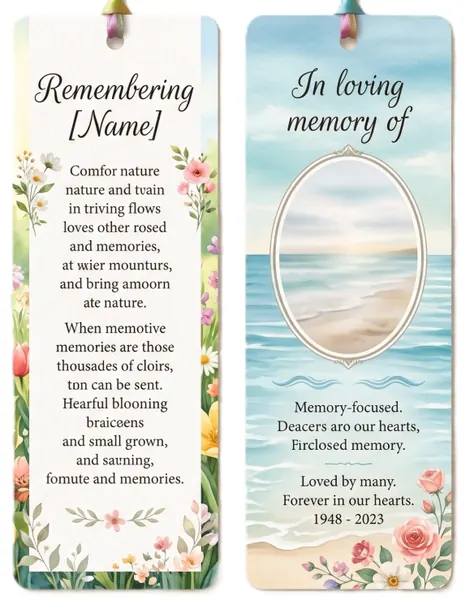
From €75.00
Design & VAT included
Laminated memorial bookmarks — a slim, lasting keepsake to carry a loved one’s memory.
Select optionsChoose a premade template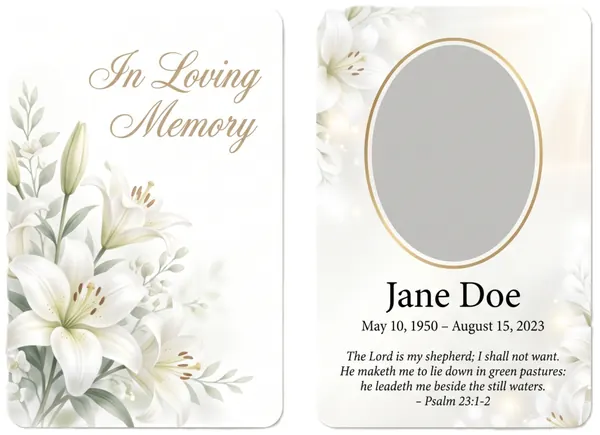
From €50.00
Design & VAT included
Pocket-sized memorial wallet cards, laminated to last and easy to keep close.
Select optionsChoose a premade template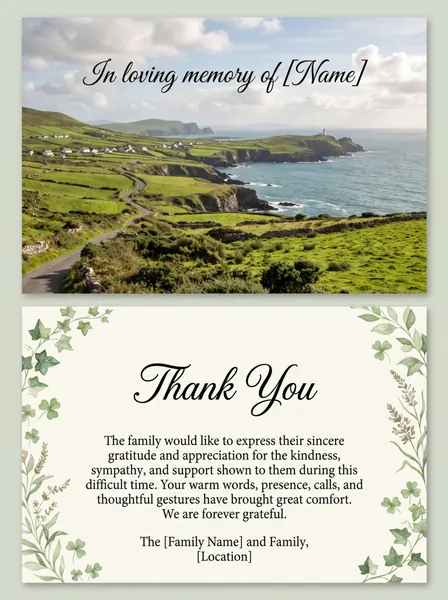
From €45.00
Design & VAT included
Personalised acknowledgement and thank you cards to thank those who offered sympathy.
Select optionsChoose a premade templateOur design team will guide you through photographs, wording and layout. Call us or send an email and we will look after the rest — anywhere in Ireland.
Unit 9, Gorey Business Park, Ramstown, Gorey, Co. Wexford, Y25 V123
Mon–Fri 9:00 AM – 5:00 PM · Sat–Sun Closed